iPhone alarm clock and sleep tracker

Alarms that make sure.

An alarm you cannot quietly lose, and a sleep tracker that tells you the truth. Nothing leaves your phone.

Coming to the App Store See how it works
  • No account
  • No analytics
  • One-time purchase
  • iOS 26 or later
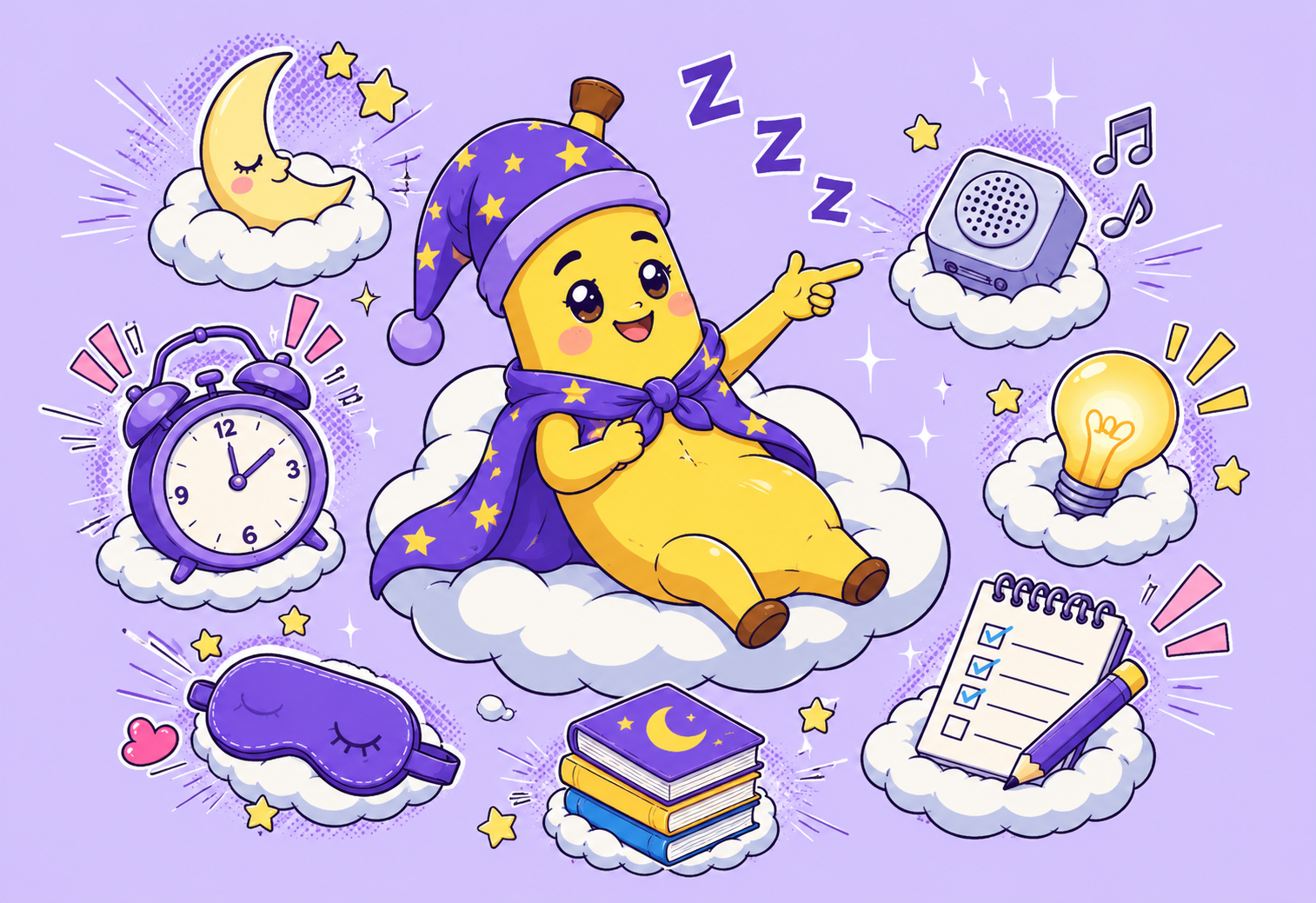
The Sleepy Banana mascot in a starry nightcap, holding an alarm clock

The problem

Most alarms fail silently.

The app gets terminated in the night. A notification arrives with the ringer down. You swipe something at 6:31 and remember none of it. You do not find out that your alarm did not work until the moment it matters, and by then it is already too late to fix.

Sleepy Banana treats waking up as a job with redundancy, not a single timer and a hope. Every layer knows about the others, and the app checks its own work.

What it does

Built around the one job that matters.

The alarm that makes sure

Your wake-up is layered. The app's own alarm rings first, a chain of scheduled notifications stands behind it, and a system alarm backs the whole thing up. Layered recovery helps restore the alarm after an unexpected termination. No software alarm is infallible. This one refuses to fail quietly.

Seven ways to prove you are awake

Stop the alarm by solving a math problem, shaking the phone, typing a phrase, tilting a ball through a maze, counting sheep, matching a face, or scanning a QR code you stuck to the bathroom mirror. An emergency stop appears after repeated failures or 90 seconds, so you are never trapped.

Smart wake

Set a window instead of a moment. The alarm looks for light sleep inside it and wakes you when your body is already close to the surface, rather than dragging you out of deep sleep at exactly 6:30.

Honest sleep tracking

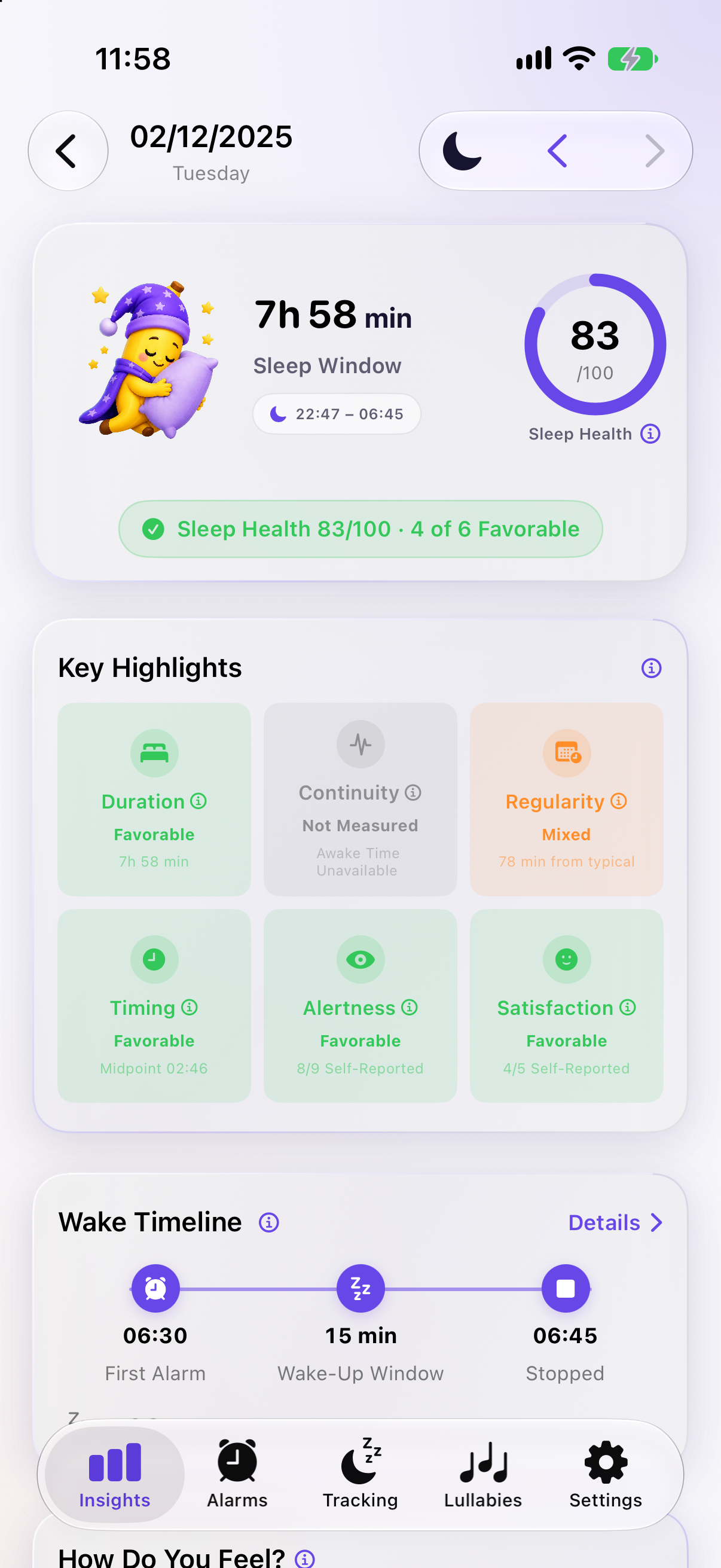
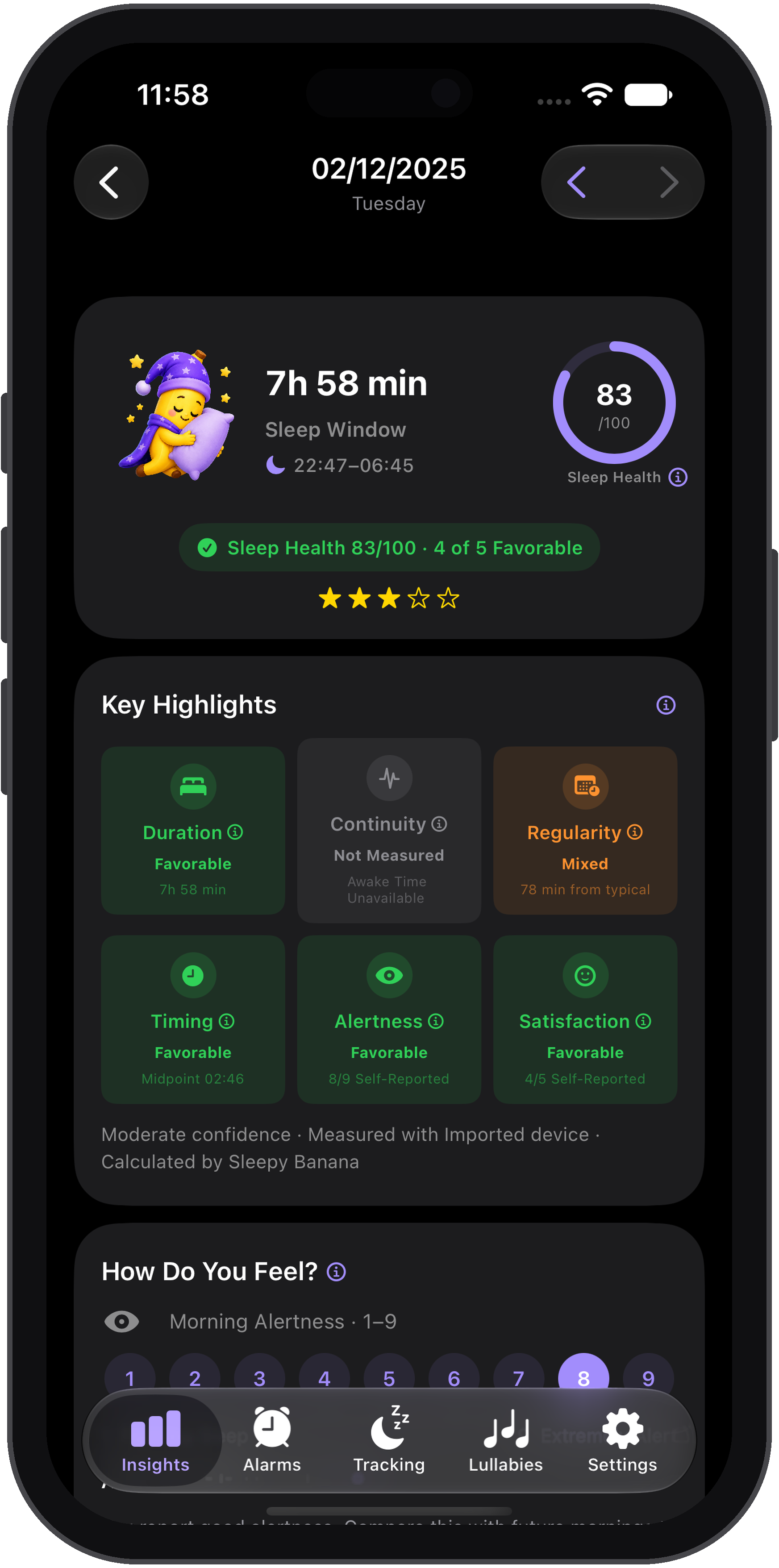
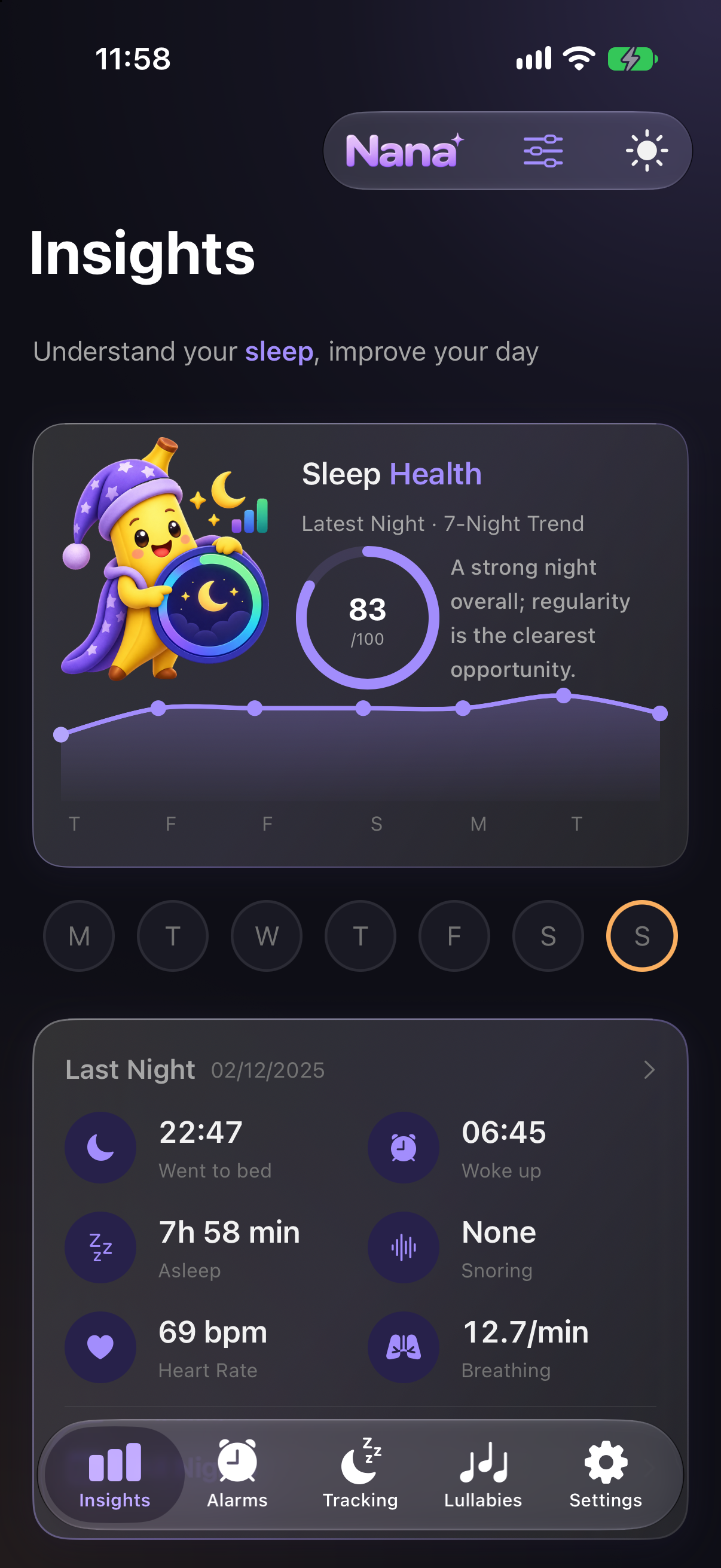
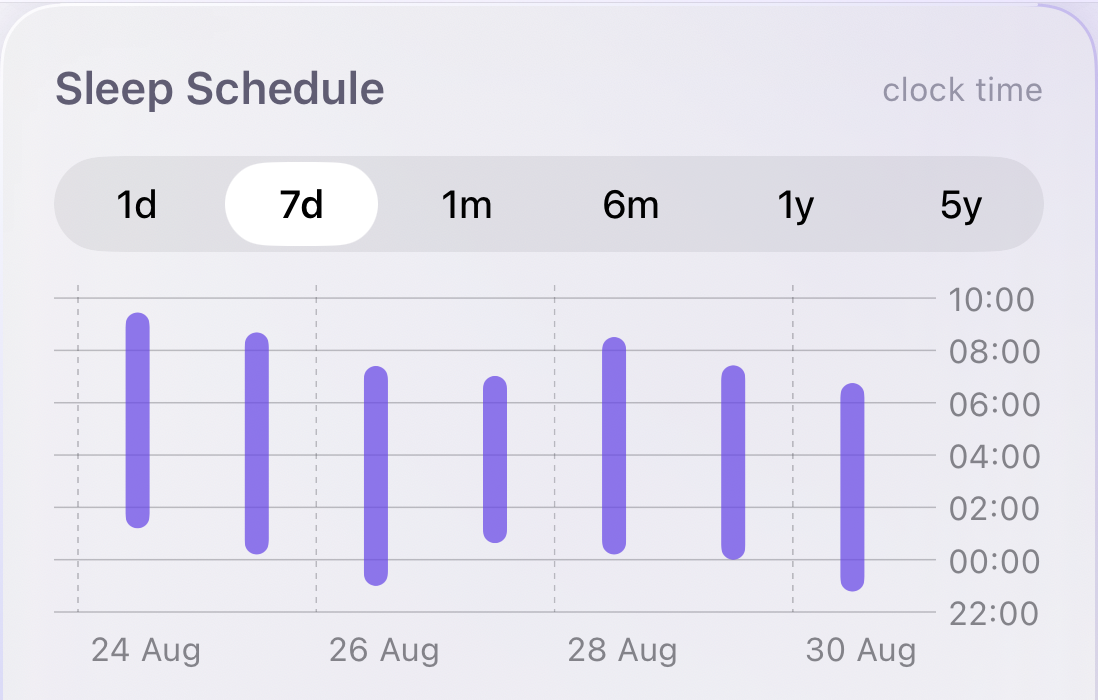
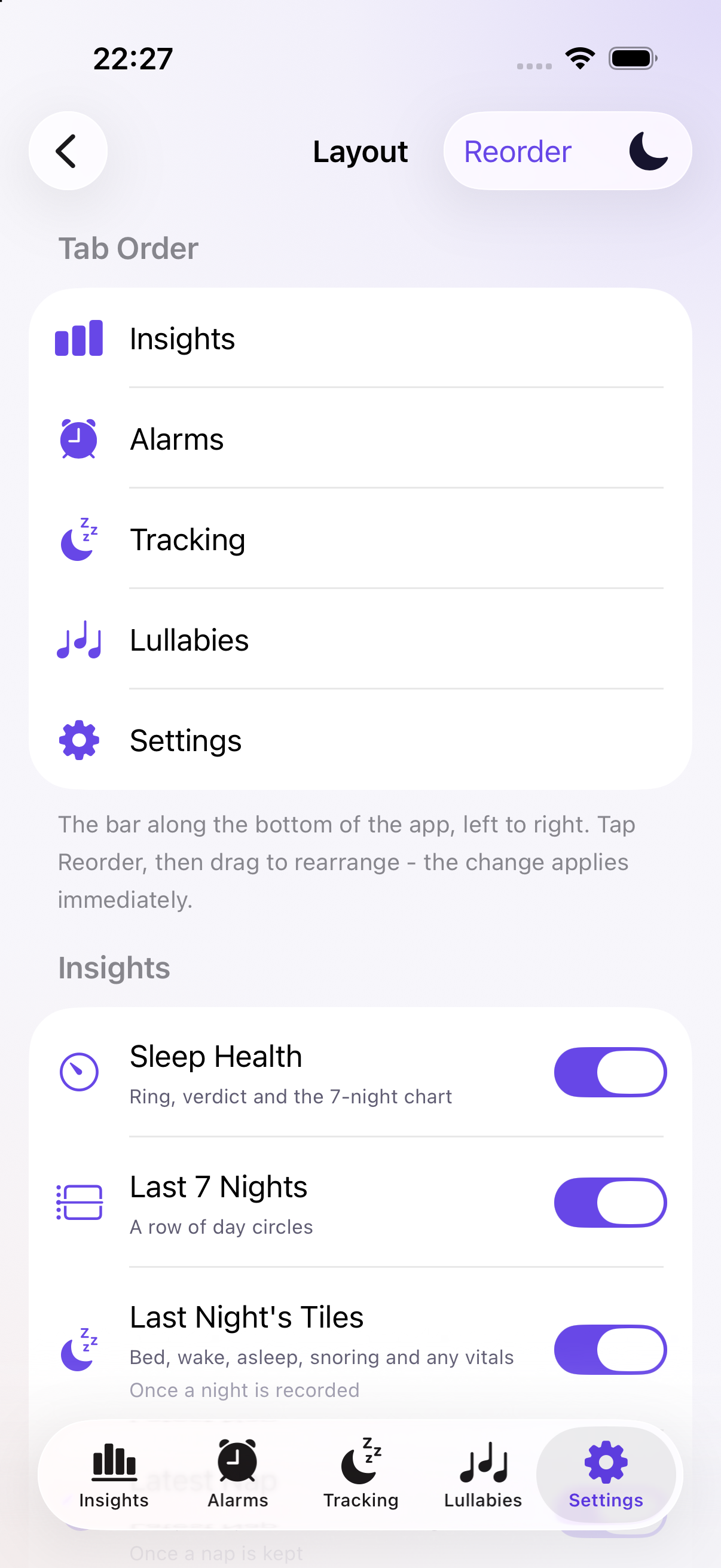
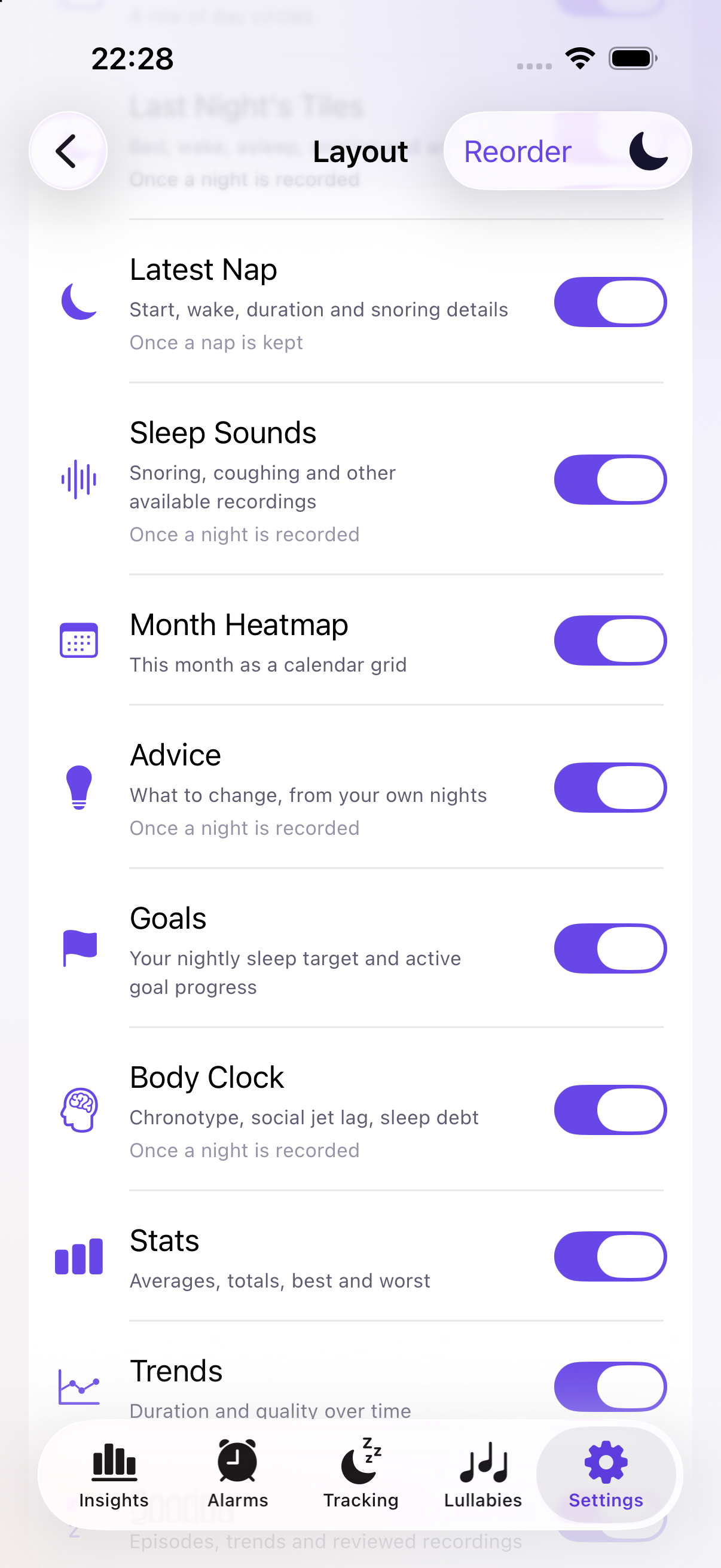
Put the phone on the mattress. Movement shapes your night into deep, light and awake. There is no invented REM band, because a phone on a mattress cannot see your eyes, and we would rather show you what we actually measured.

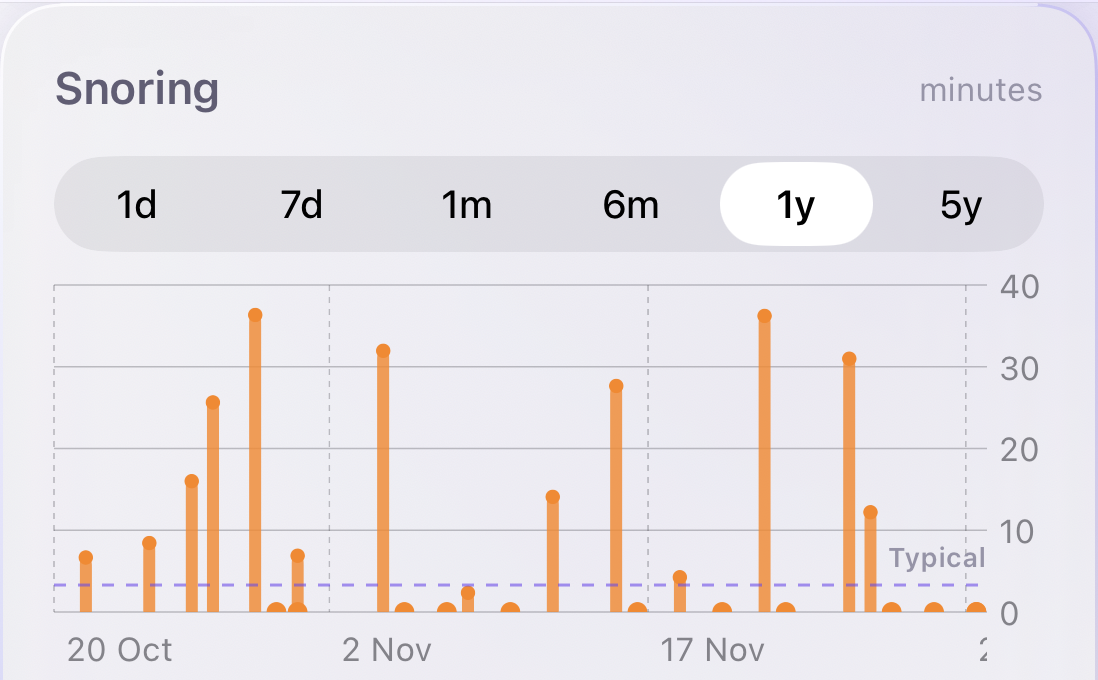
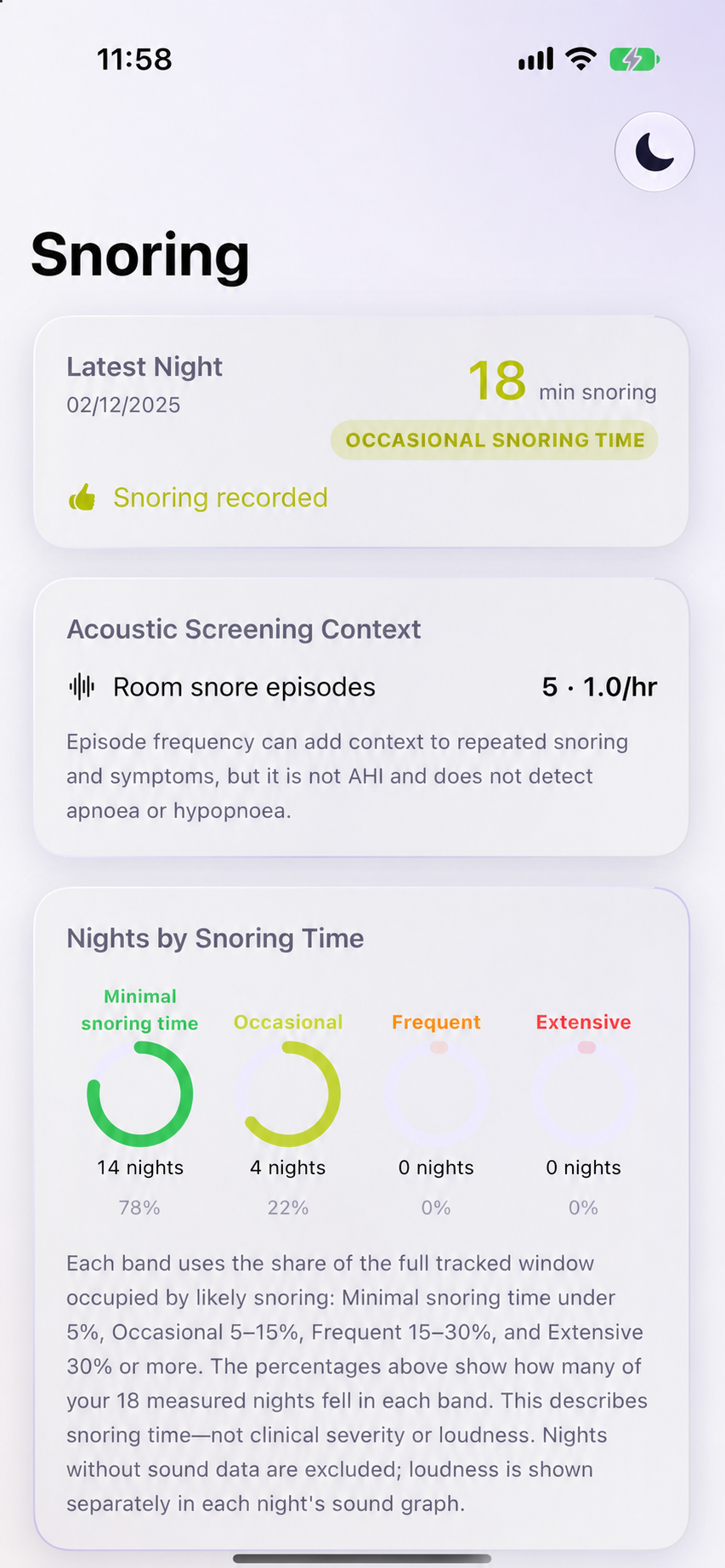
Snoring, on your terms

Hear how loud your nights really are. Noise analysis measures loudness on the device and is audio-free. Turn on recordings and short clips are saved to your iPhone only, capped per night, deleted after a week, and deletable at any time.

Sounds that get you there

A catalogue of lullabies and soundscapes, from rain on a canopy to a fireside crackle, plus binaural beats and guided meditation. They fade out on a timer so nothing plays all night.

A look inside

Quiet at night. Clear in the morning.

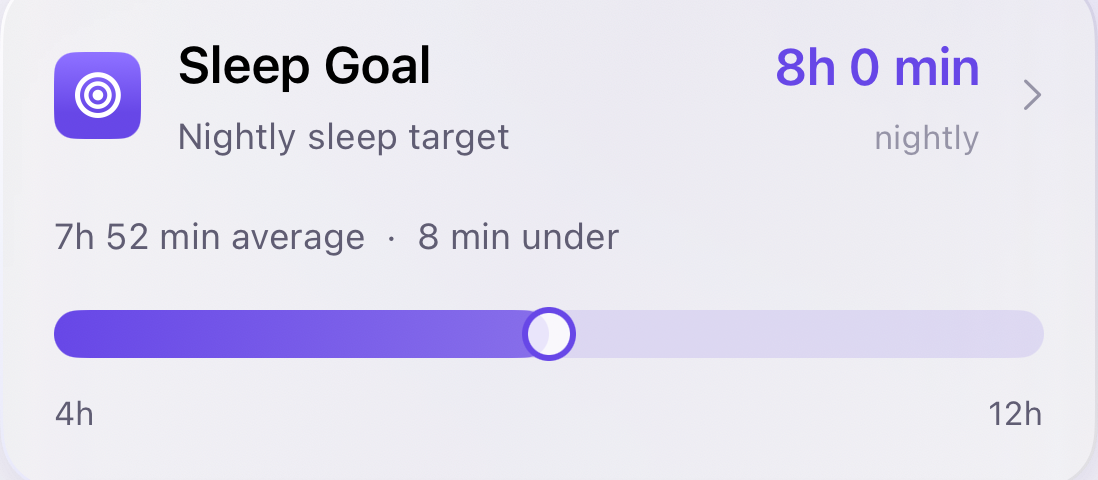
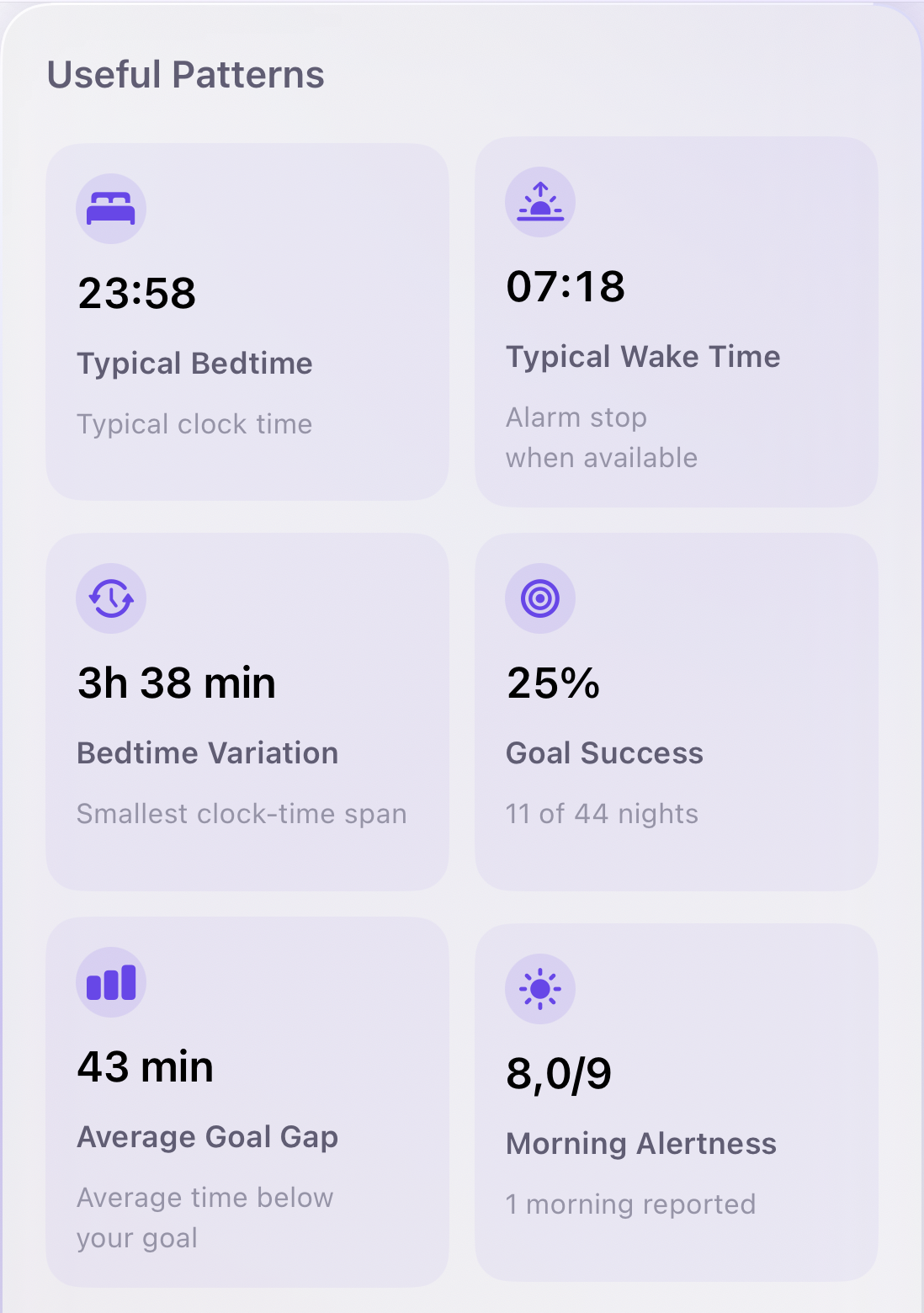
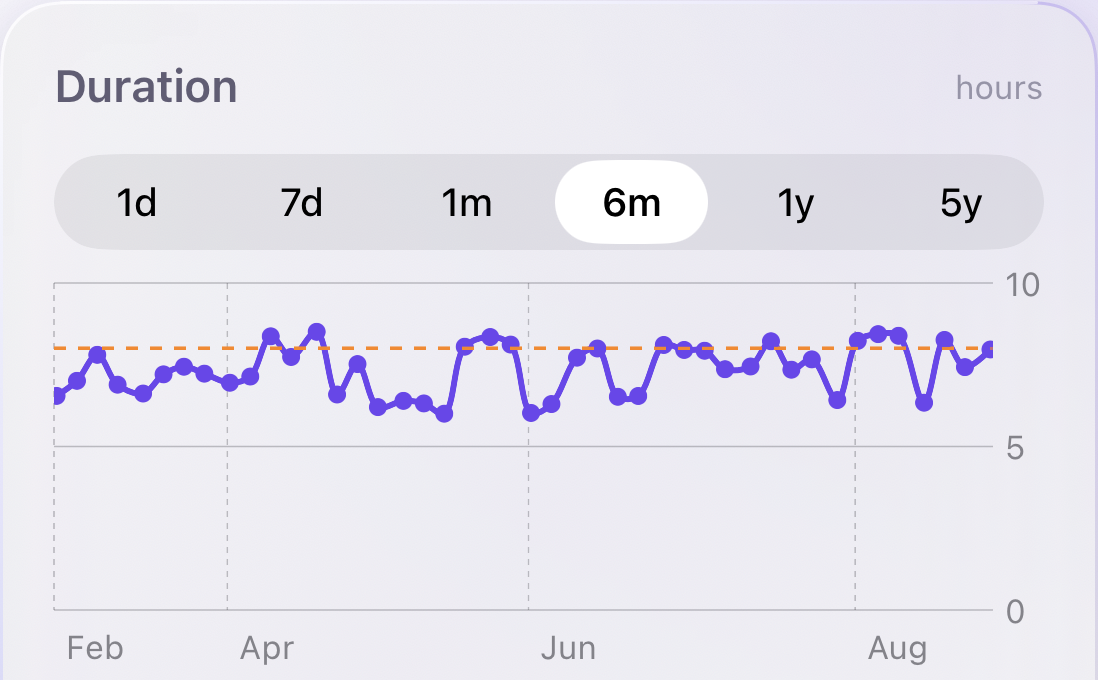
Sleepy Banana: Your mornings, explained
Your mornings, explained
Sleepy Banana: Alarms, layered and backed up
Alarms, layered and backed up
Sleepy Banana: The night, as it happens
The night, as it happens
Sleepy Banana: Lullabies and soundscapes
Lullabies and soundscapes

Your data stays yours

There is no server that knows you.

No account. No analytics SDK. No advertising identifier. Nothing sold, ever.

  • Nights are stored on your device and written to Apple Health with your permission.
  • The app transmits nothing automatically. The only thing that reaches us is a feedback report you press Send on.
  • Snoring clips are saved on your iPhone only and deleted after a week.
  • Microphone and motion access are requested only when you switch on the feature that needs them.
Read the privacy policy

Premium

Pay once. That is the whole model.

The free preview runs for up to seven nights within seven days, so you can judge the alarm on real mornings. Premium is a single purchase that unlocks everything permanently.

  • The full lullaby and soundscape catalogue
  • Binaural beats and guided meditation
  • Advanced wake-up challenges
  • Per-alarm smart wake
  • Unlimited sleep history
  • Snoring recordings
  • Body-clock insights
Coming to the App Store

One-time purchase through the App Store. No subscription, no renewals.

Questions

The things people ask first.

Will it actually wake me up?

That is the entire point of the design. The in-app alarm rings first, a chain of scheduled notifications covers the first minutes if the app is not running, and a system alarm sits behind both as an emergency backup. That said, no software alarm on any phone is infallible, so do not use any app as your only alarm for something critical.

Do I need an account?

No. There is no sign-up, no login, and no password. The app has never asked for an email address and does not have a server that knows who you are.

Where is my sleep data stored?

On your iPhone. Nights, movements, scores, tags and comments live in a local database. With your permission, nights are also written to Apple Health, which is how your history reaches your other devices. Nothing is uploaded to us.

Does it record me all night?

Only if you ask it to. Noise analysis measures loudness without keeping any audio. Recording snoring is a separate switch. When it is on, short clips of detected sounds are stored on the device, capped per night, and deleted after a week. Recordings never leave your iPhone.

Why does it need iOS 26?

The system-level alarm backup is built on AlarmKit, which Apple introduced in iOS 26. It is the piece that lets an alarm survive the app being terminated, so the app does not ship without it.

Is it a subscription?

No. Premium is a single one-time purchase that unlocks everything permanently. Before you buy, the free preview gives you up to seven nights within seven days, so you can judge the alarm on real mornings rather than on a screenshot.

Can it tell me who was snoring?

It can learn the difference. The app analyses snoring sounds on the device and groups them, so a shared bed stops being a mystery. Like everything else here, the analysis happens on your iPhone.

Set one alarm. See what happens.

Seven nights free, then one payment if it earns it. iOS 26 or later.

Coming to the App Store Talk to us